
Training in free geomatics and open data
Do you need to train audiences who may not be well-versed in geomatics – both in creating data using open-source tools and in reusing that data in desktop GIS, web mapping, or Spatial Data Infrastructure contexts? And do you want to do so by incorporating the community spirit and participatory approach characteristic of the open-source community?
LLg provides free geomatics training to people from all backgrounds, ranging from community workers with limited GIS knowledge to highly qualified professionals in the humanitarian and development sectors (national and local governments, United Nations agencies, NGOs, the private sector, academics, and open-source and GIS communities). In-person or online.
This educational program is structured around five main modules that can be taken separately or together, in their entirety or with a focus on a specific aspect or theme.
OpenStreetMap Module
This module covers all stages of the OSM mapping workflow (workflow), the use of the OSM project’s mapping resources (web services, data access points), and aims to empower beneficiaries to become self-sufficient in terms of mapping practices, training, and information/advocacy activities related to the OSM project.
OSM training materials include the Learning Hub UN Maps, the LearnOSM portal, OSM data collection and mapping guides, and related support materials contained in the LLg OSM Technical Kit:
-
Introduction to the OSM project in the context of general mapping of urban and rural areas, including all aspects of economic life.
-
Field data collection using GPS or smartphone apps, whether for OSM data (OSM Go!, Every Door, Vespucci, OsmAnd), non-OSM professional data (Mergin Maps, QField, OsmTracker, OsmAnd), scanned maps (Field Papers), or geolocated photos (Panoramax).
-
Workflow for downloading and installing applications via Bluetooth or Wi-Fi in environments with little or no internet access.
-
Editing the OSM database with JOSM, the OpenStreetMap project’s Java editor, using presets—forms designed based on the information to be entered in questionnaires that encode the data in a logical format within OSM.
-
Using the OSM Task Manager (“Tasking Manager”) to organize and plan field survey and imagery mapping work.
-
Overview of OSM mapping techniques at different scales (micro-local, local, regional/national) and workflows.
-
Overview of editing techniques in the context of unreliable internet connections.
-
OSM data quality control using quality assurance tools (JOSM Validator, JOSM filters, TagInfo, Osmose, etc.).
-
Uploading data to the OSM platform, while simultaneously ensuring data backup, graphical rendering, and map labeling.
-
Knowledge and use of OSM data visualization tools.
-
Use of various OSM data download services in conjunction with expertise acquired in the field of Geographic Information Systems (GIS) and traditional cartography, and use with the open source QGIS software.
-
Offline navigation and search with OsmAnd and CoMaps on Android and iPhone smartphones.
GIS/Mapping Module Using QGIS
The GIS/Mapping component is built around the open-source GIS software QGIS to enable the use of OSM data in conjunction with other geographic information sources for visualization, analysis, and map production.
The educational resources selected for GIS/Mapping are based on the “Guide to Open Geomatics and Open Data” under a CC-BY-SA license, designed around open-source software and vector data, and also include the QGIS manual in French, online courses from the École Nationale des Sciences Géographiques (ENSG) in France, and open-source tutorials from UMR 5185 ADES at the CNRS.
Rooted in OSM mapping practices, these training components cover the principles of GIS and mapping through hands-on experience with the free and open-source GIS software QGIS, licensed under the GPL, one of the flagship projects supported by the Open Source Geospatial Foundation (OSGeo).
The goal of this three- to four-day training module is to enable participants to use OSM data in GIS projects alongside other geographic information layers that may have different coordinate reference systems, to filter them using queries to create thematic layers and display them correctly, and then design layouts that adhere to the key principles of printed cartography.
Training in contingency mapping for natural disasters can be integrated using the InaSAFE extension for QGIS, which utilizes hazard layers (areas of earthquake or flood extent) and risk layers (buildings from OpenStreetMap, for example)
The specific content is as follows:
-
Introduction to Geodesy and Cartography
-
Introduction to GIS (Geographic Information Systems) and Geographic Information (GIS data)
-
The QGIS Project :
-
Resources, Interface, and Plugins
-
Managing GIS Data with QGIS
-
Managing OSM data in QGIS
-
Properties of vector data in QGIS
-
Querying data in QGIS
-
Configuring the display of vector data in QGIS
-
Creating and maintaining maps in QGIS
-
GIS/Web Mapping Module with uMap
uMap is an online service that allows you to create free, interactive, and customizable web maps that use OpenStreetMap data as their base. This web mapping service is designed to go beyond standard OSM mapping practices while remaining distinct from open-source GIS software approaches such as QGIS. The tool is easy to use and allows non-geographers or non-cartographers to easily create dynamic maps that can also be embedded in a website, serving as a highly effective way to share geographic information. This one-day workshop is structured as follows:
-
Project Overview
-
Resources, interface, and extensions.
-
Creating and configuring maps in uMap
-
Integration of static vector datasets (GeoJSON, GPX) as information layers in uMap
-
Integrating OSM vector data as dynamic information layers in uMap using an Overpass Turbo script
-
Creating and editing static vector data layers in uMap
-
Settings for simple display of vector data in uMap
-
Advanced formatting of map elements
-
Searching the map and data
-
Sharing the uMap map or visible data
GIS/SDI Module with geOrchestra
The open-source geomatics component of the training program, which focuses on the combined use of OSM data and other geographic information sources for visualization, analysis, and map production, has been enhanced with a module dedicated to Spatial Data Infrastructures (SDI). This complements the QGIS GIS software and the uMap web mapping service for web map development. This one-day component is based on LLG’s IFL (Open Source Francophone SDI), an instance of the open-source SDI geOrchestra, and is structured as follows:
-
Introduction to Spatial Data Infrastructures
-
Getting Started with geOrchestra
-
Data Visualization with MapStore2:
-
Basic and advanced visualization
-
Defining layer styles and using styles created in QGIS
-
Downloading data layers
-
Queries on a vector layer
-
Creating annotations and geometries
-
Printing maps
-
-
Data and metadata administration in the geOrchestra GIS:
-
Using GeoServer (map server) to upload vector data layers
-
Using GeoNetwork (data catalogs) for data search and metadata editing
-
GIS and Mapping Module in Humanitarian and Development Contexts
This module covers all the key topics within this subject area and offers a unique distillation of the instructors’ years of professional and volunteer experience. It consists of the following components, which are both theoretical and practical, and can be spread over two to five days:
-
Crisis mapping: challenges, historical development, organization, and applications.
-
Key players in humanitarian mapping: United Nations, major NGOs, specialized NGOs, crowd
-
The role of the GIS Information Manager in a humanitarian organization.
-
Organizing OSM data collection in developing countries as part of a professional project according to a set of specifications
-
OSM collectives in the Global South: history, typology, activities, challenges in coordination and capacity building
-
Collaborative mapping workshop using OSM (from a humanitarian or development perspective) throughout the training module, in partnership with West African OSM collectives, focusing on a high-risk area. It is also possible to use the InaSAFE plugin in QGIS to ultimately create impact maps using the data generated during the workshop
Examples of implementations
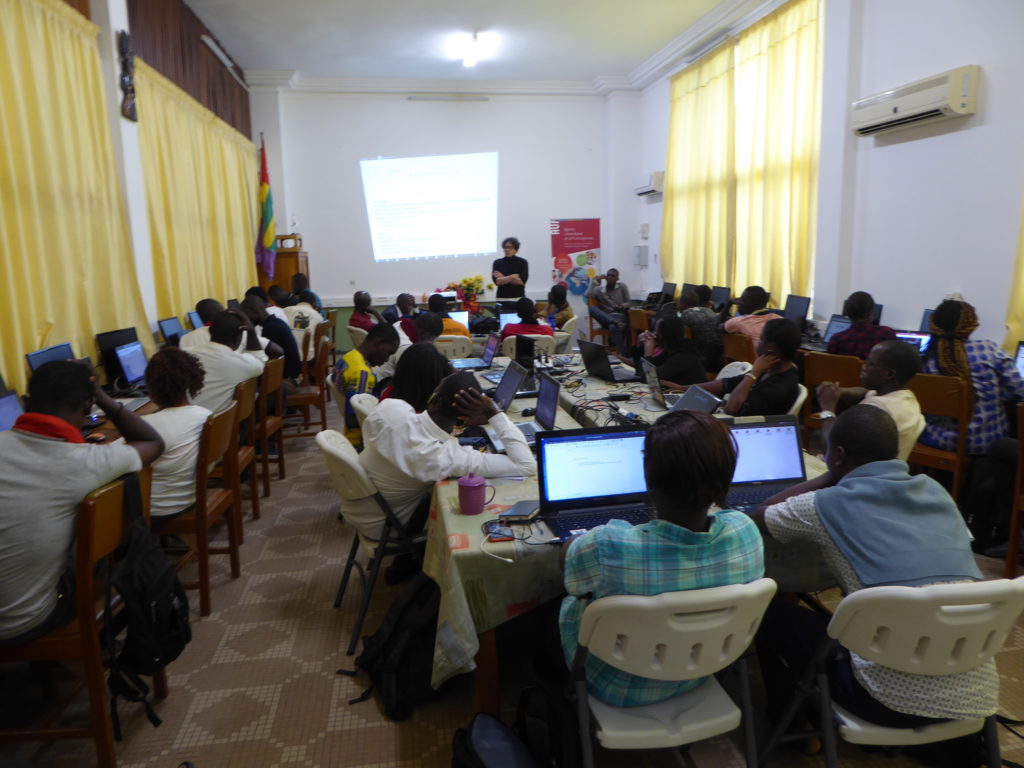
National Workshops on Open-Source Geomatics and Open Data
For all types of audiences, with the participation of the most experienced and active local OSM mappers as co-trainers in 14 targeted Francophone countries: Haiti (4 initiatives), Senegal (5), Togo (5), Ivory Coast (4), Burkina Faso (2), Mali (2), Benin (2), Chad (3), Niger (3), Madagascar (2), Guinea (1), Mauritania (1), Congo (1), and Morocco (1).
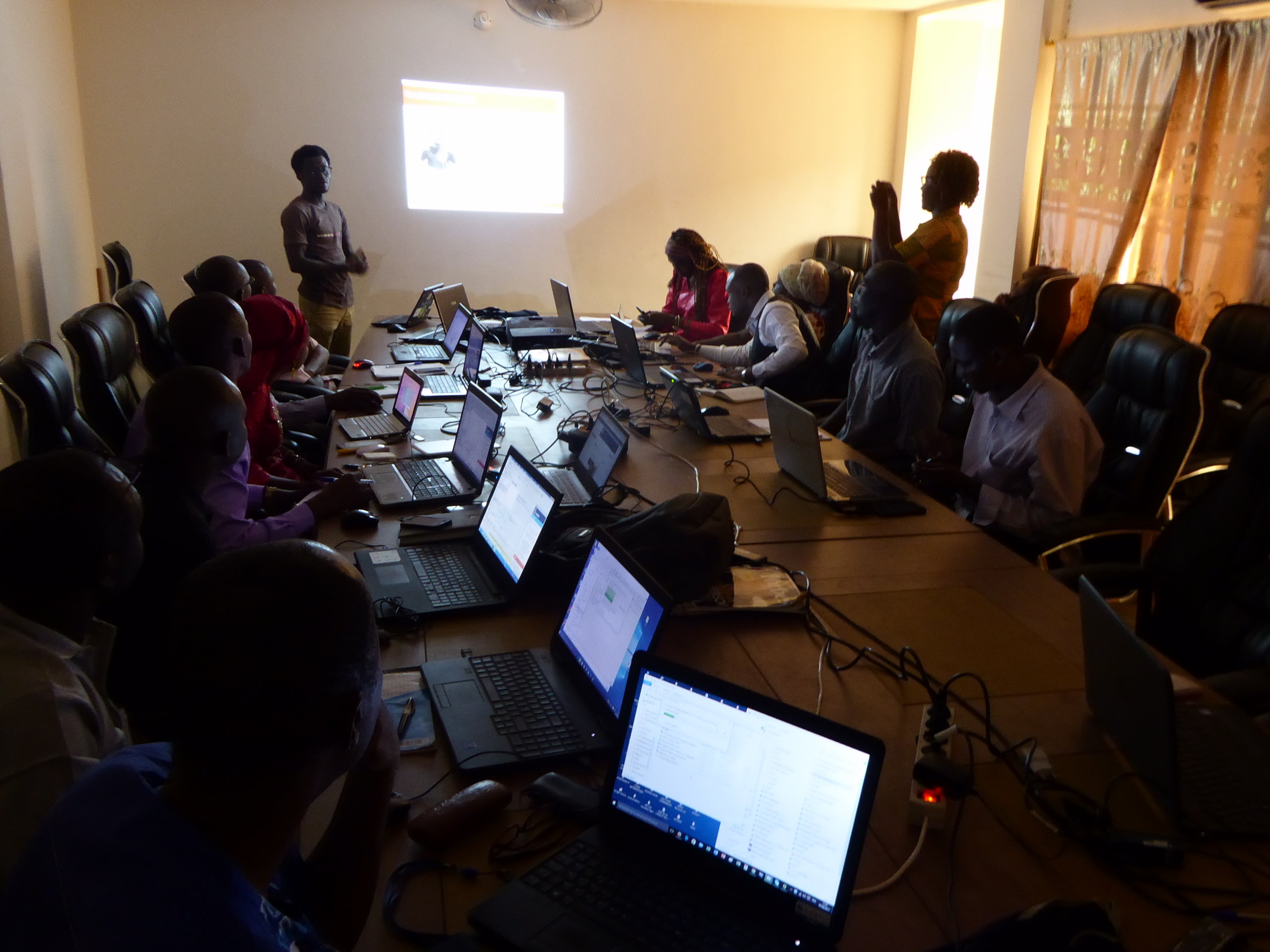
Training programs for project managers or researchers in open-source geomatics
GRET project managers gathered at the NGO’s headquarters for three-day workshops to understand the challenges and benefits of open-source geomatics tools, test them, and discuss the best ways to integrate them based on their specific contexts and needs.